Dashboards for slow screens
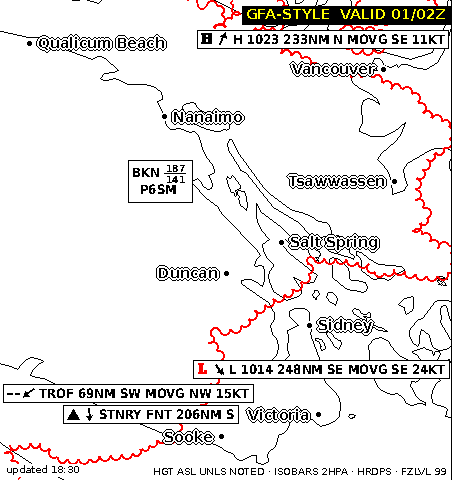
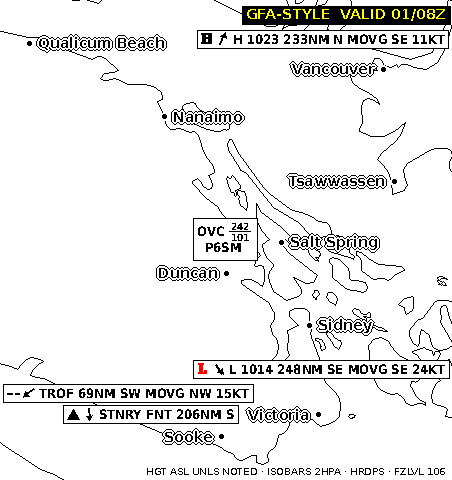
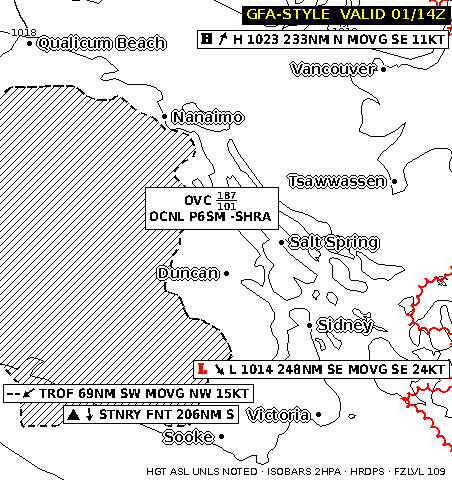
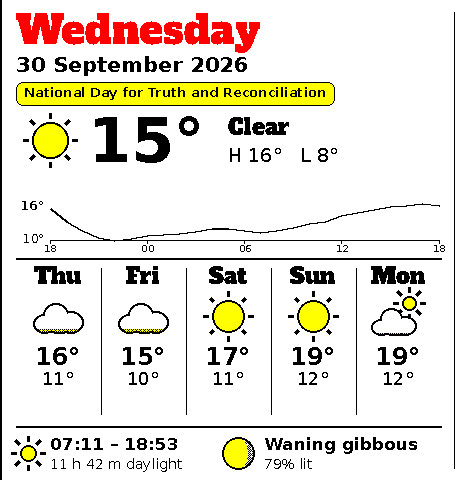
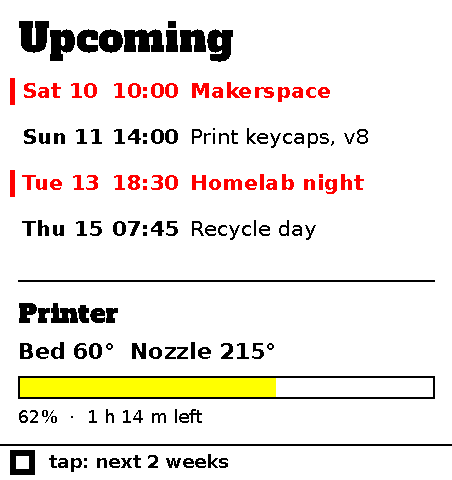
Small apps draw cards: the weather, your calendar, today's reminders. A slow screen shows them and changes only when there's something new. Press a key to page through a deck or answer a question.
How does a Slowboard work?
Apps draw the cards, the screen shows them, and the keys let you page through and answer back.
Slowapps
A slowapp is a small program that draws cards. Write it in any language and package it as a container; there's a Python template to start from.
The hub, slowhub, runs your apps and keeps their latest cards for the screen. Run it on the Slowboard itself or on a computer you already have, or let us host it for you (coming soon).
- SLOW 001Slowboard
- E-reader
- Desktop
The screen
SLOW 001Slowboard is made for e-paper. The picture stays with no power, and each part of the screen redraws only when an app has something new to show.
You choose which apps go in which part of the screen. The Slowboard 1085 shows three decks of cards side by side by default, with four keys in front.
Interaction
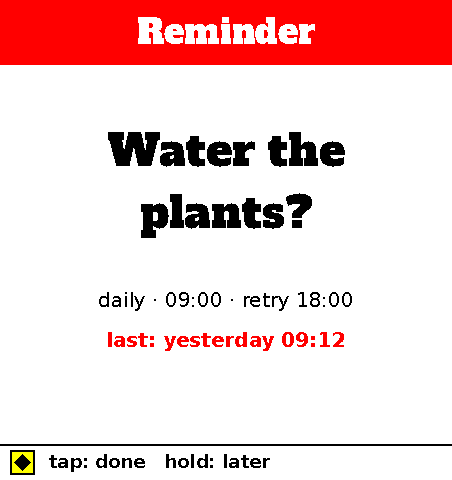
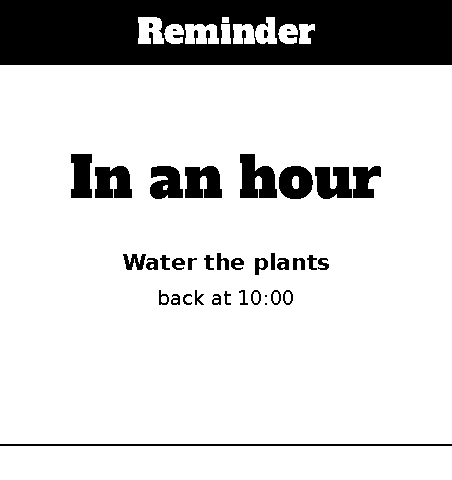
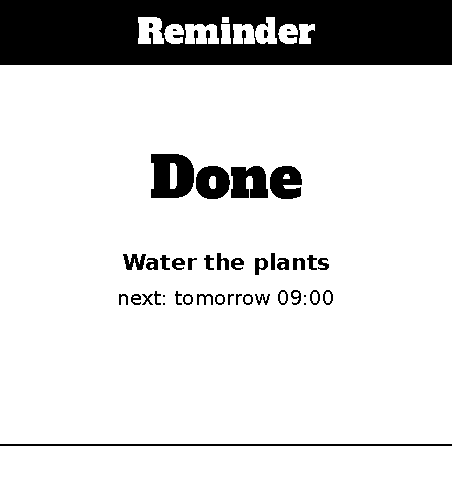
The four keys have no fixed job. A strip along the bottom of the screen shows what each key does right now: the next card, back to the first, or an answer when an app asks you something. "Water the plants?" comes up with its answers on the strip, and your answer goes back to the app.
Every card a press can lead to is drawn ahead of time, so the next one is there the moment you press, even with the network down.
Weather map
SLOW 001A reminder
Apps on the shelf
Three so far. Number 004 goes to the next one.
Also for e-readers and desktops
The hub draws the cards once, so a Slowboard, a Supernote, a reMarkable or your desktop wallpaper can each show the same deck. If you already have one of those, you can start without new hardware.
Slowboard
E-paper and keys, with enough computer inside to run the hub too.
E-readers and notebooks
A Supernote or a reMarkable shows the same cards. The hub draws them; the reader shows them.
Desktop wallpaper
Your deck as the background on your computer, changing about as often as the e-paper does.
Three ways to start
Updates, now and then
A short note when there is a new board, a new slowapp, or kit news. Rarely more than one a month.